
 3D Print Log
Every print you’ve made, still on the record.
Times, temperatures, filament, photos and what actually came out of the printer. Captured from your slicer as you print, in one place you can search years later.
Free to startNo cardWorks with the slicer you already use
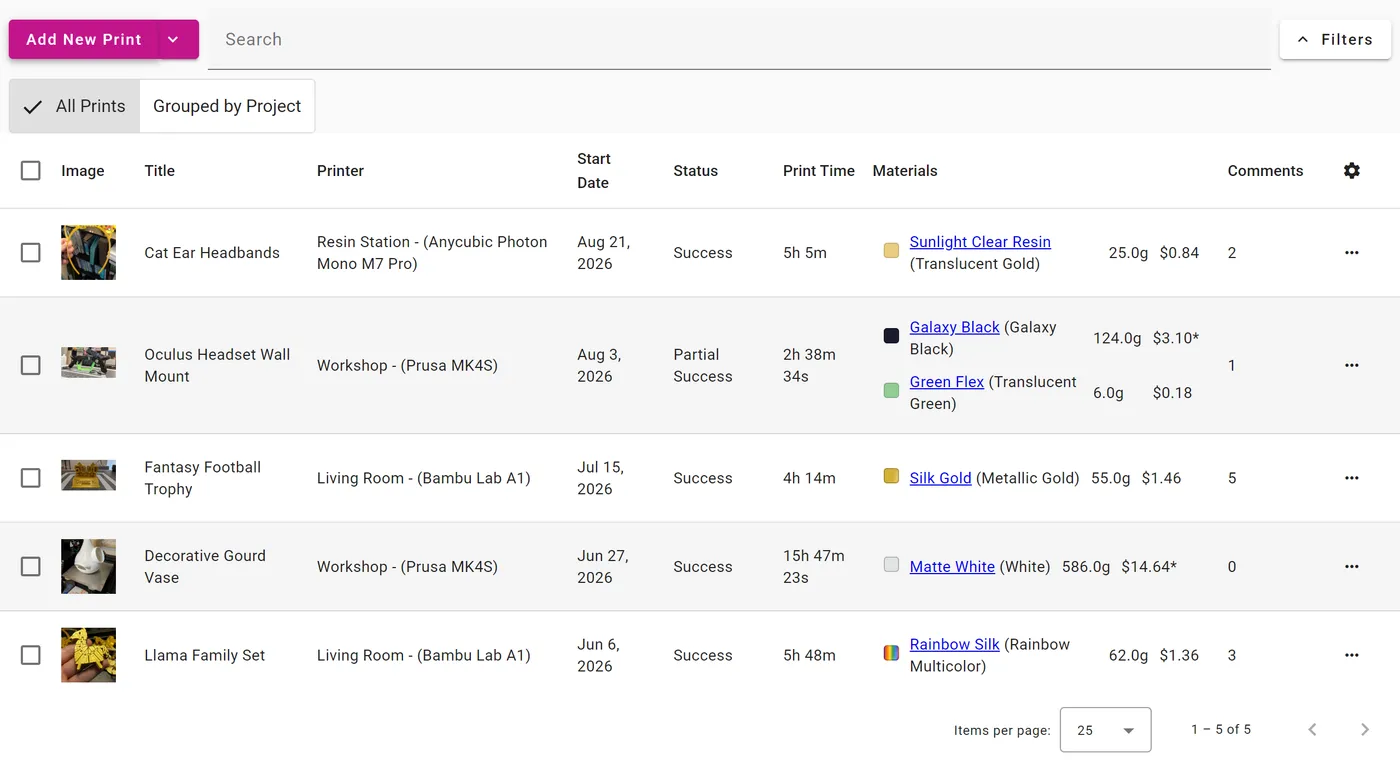
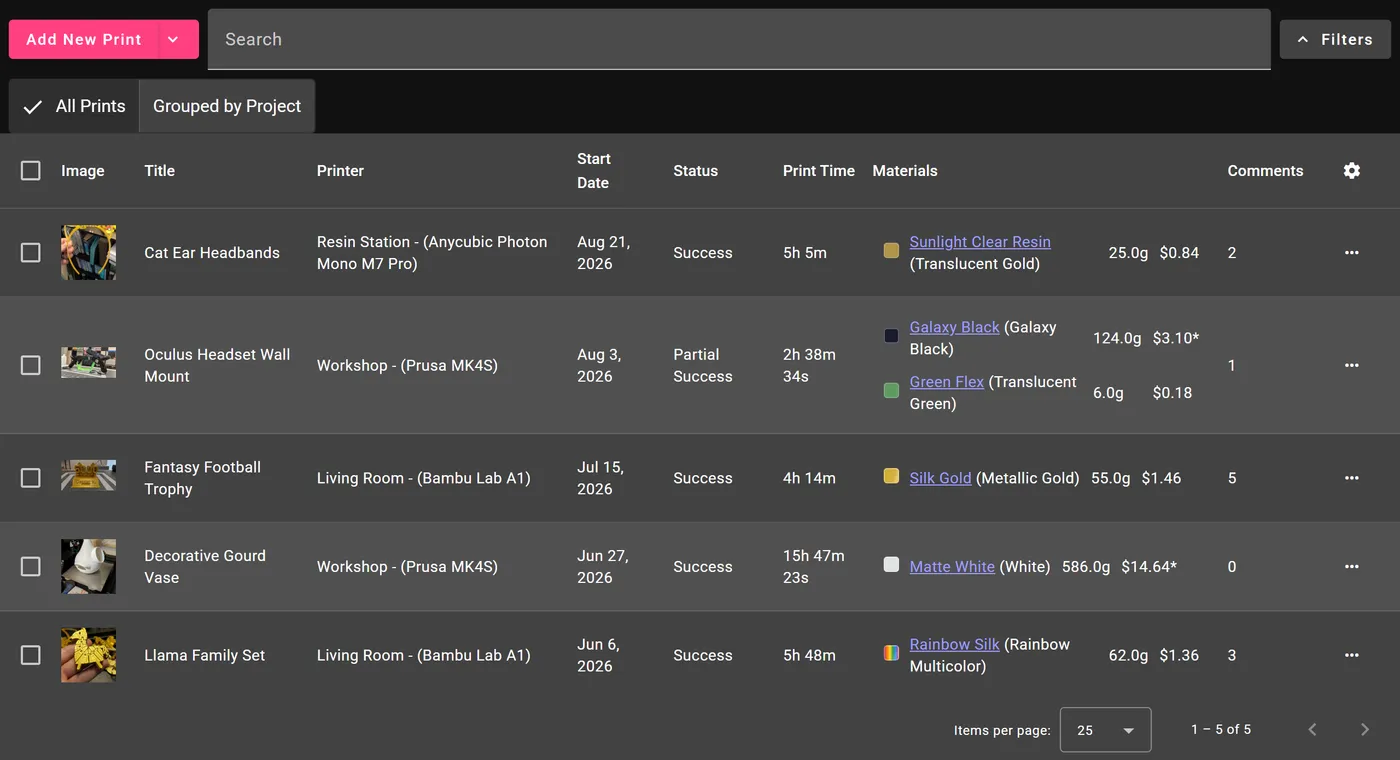
Never lose a good setting again
You dialed in the temperature and speed six months ago. Log it once and it stays with the print: the photo, the duration, the filament you used, and the note about what went wrong the first time.
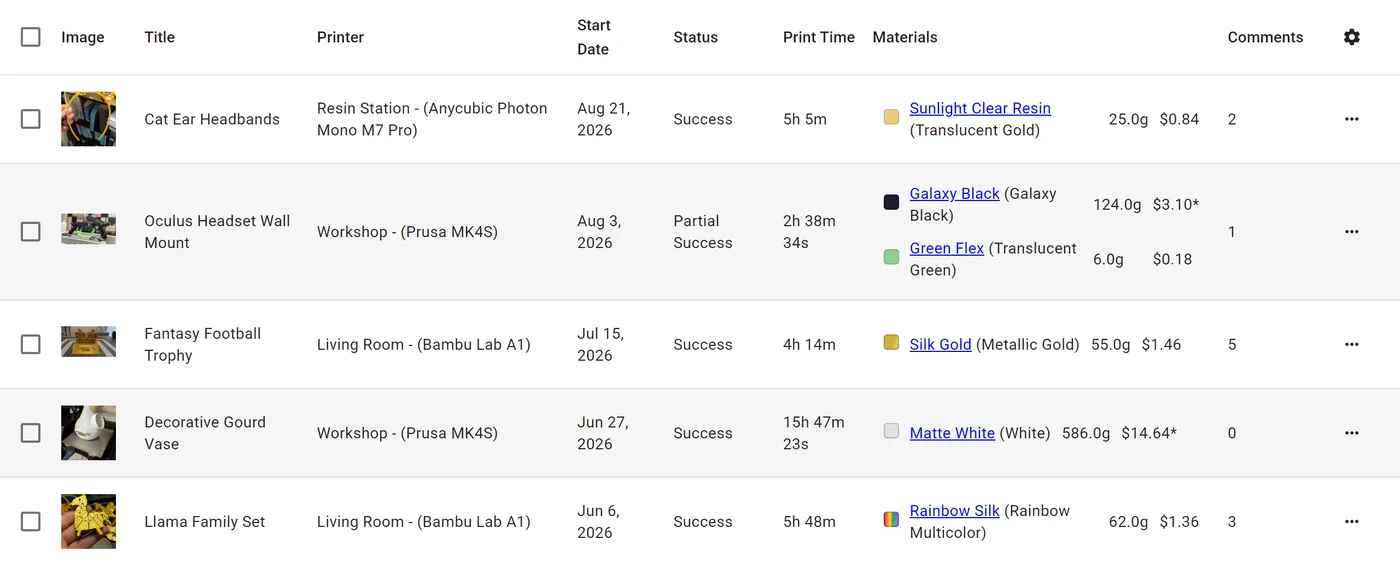
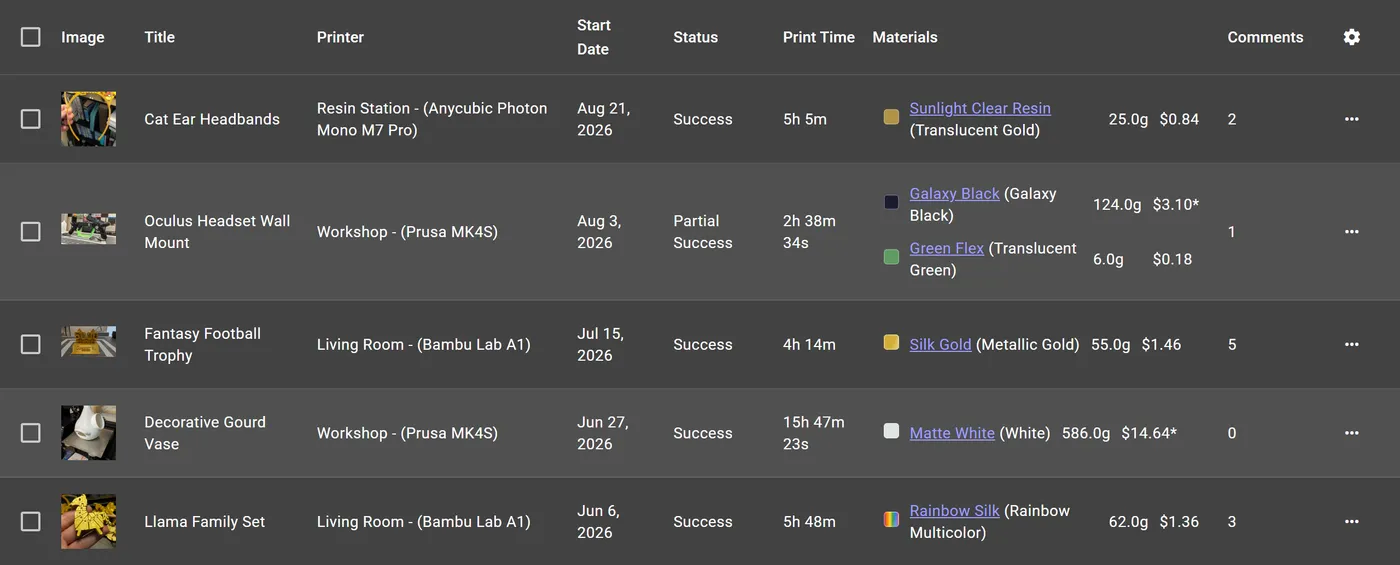
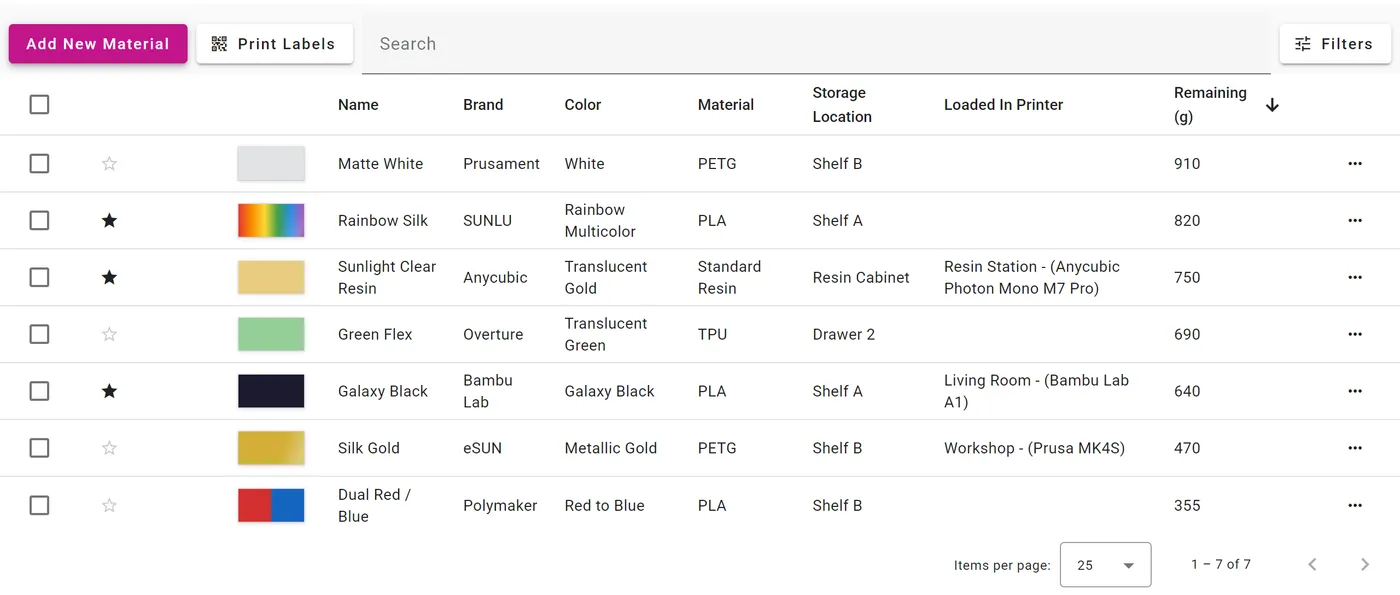
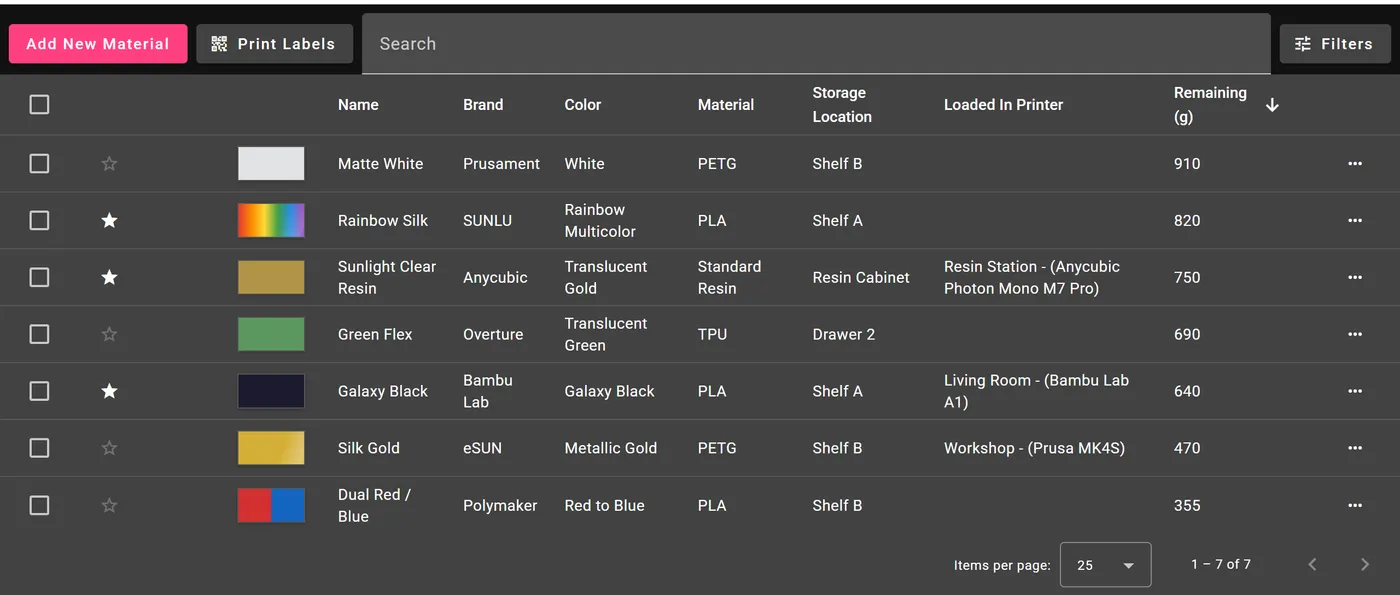
Know what every spool has left
Track each roll and bottle from first use to empty. See what is running low before you start a twelve-hour print, and stop guessing whether there is enough left on the spool to finish.
See where the time and filament went
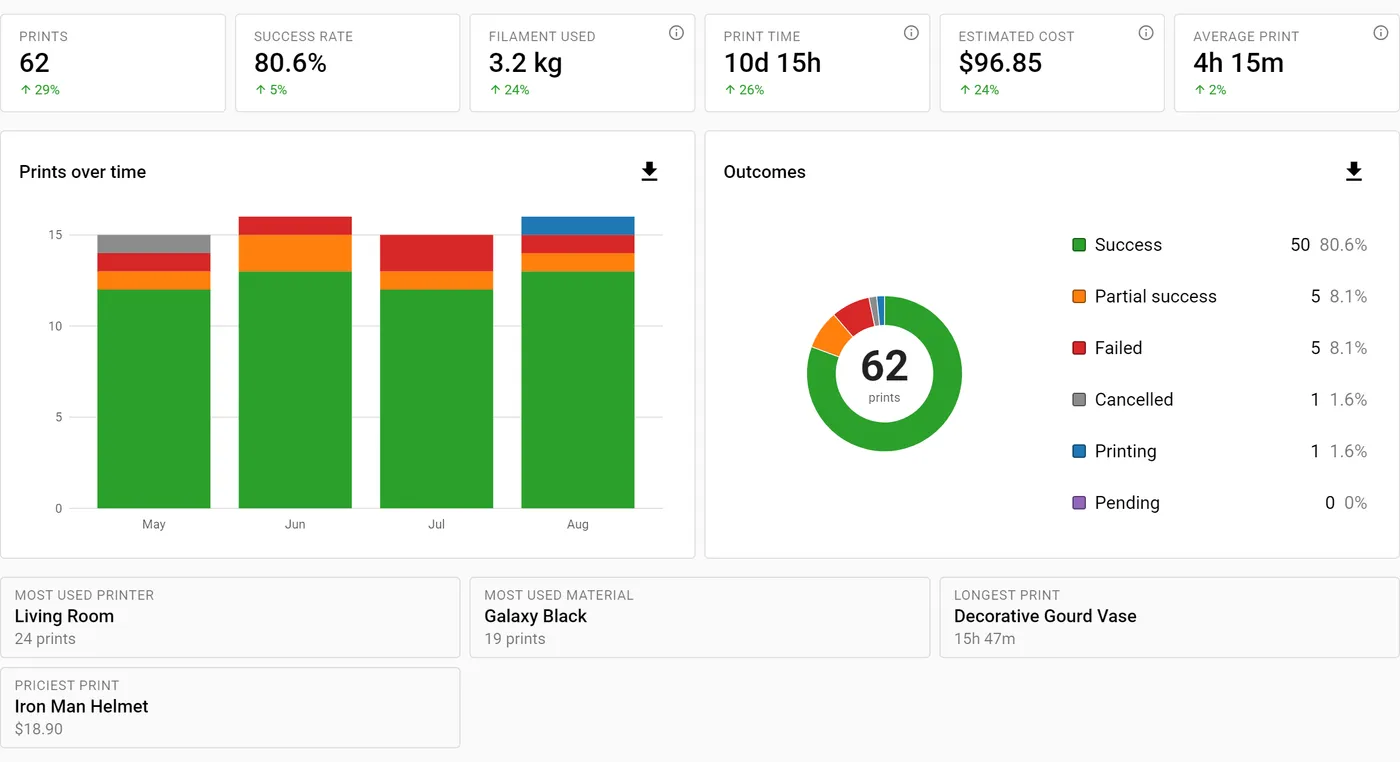
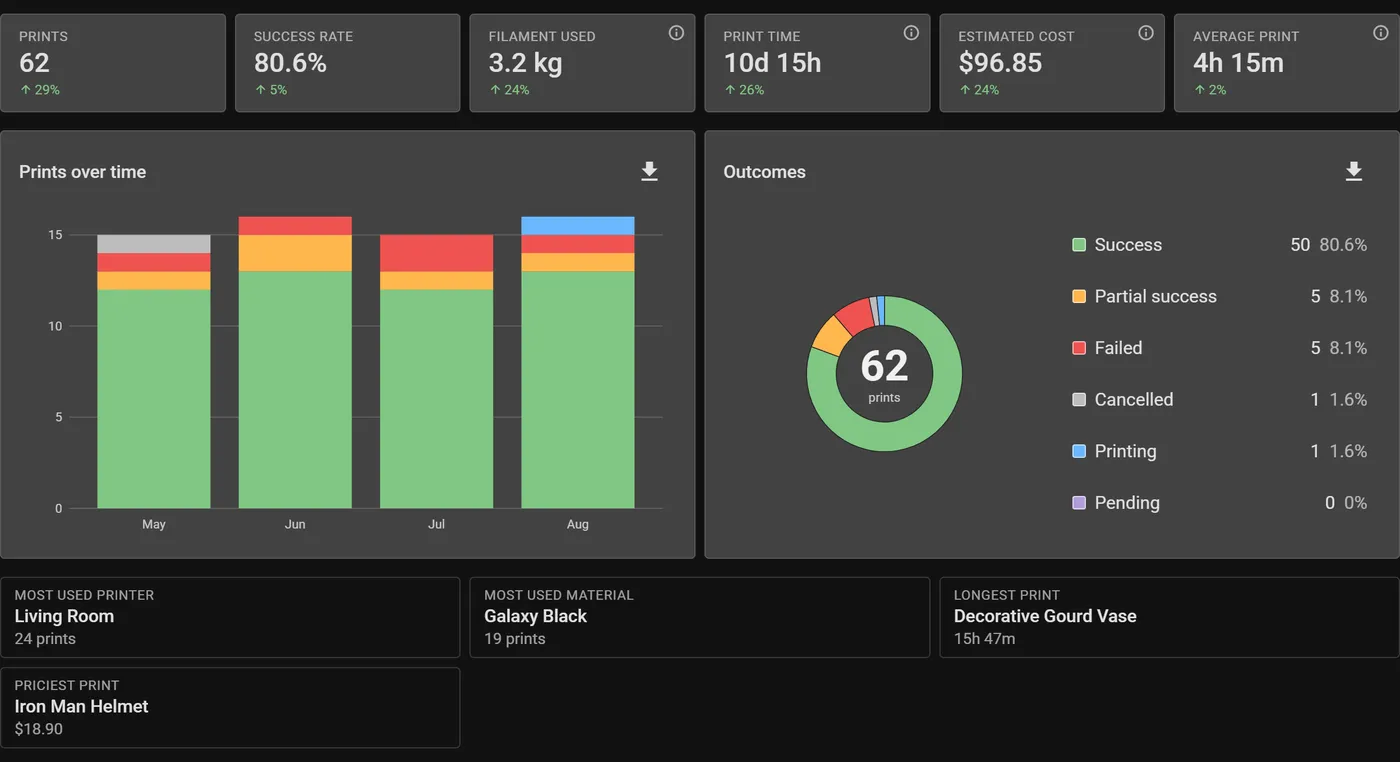
Total print hours, material used, and how often prints actually succeed across every printer you own. The kind of thing a spreadsheet promises and never quite delivers.
Stop typing it in twice
The post-processing uploader sends the print the moment you slice it. File name, printer, material, layer height and estimated time arrive already filled in. Cura has a Marketplace plugin; everything else uses the uploader script.
Nothing to copy across. Slice, print, and the log fills itself in.

Start your log
Free to start, and the next print you slice can be the first one in it.